How I Made This 🛠️
My quiz, from a blank page to a finished thing.
1. Planning my screens
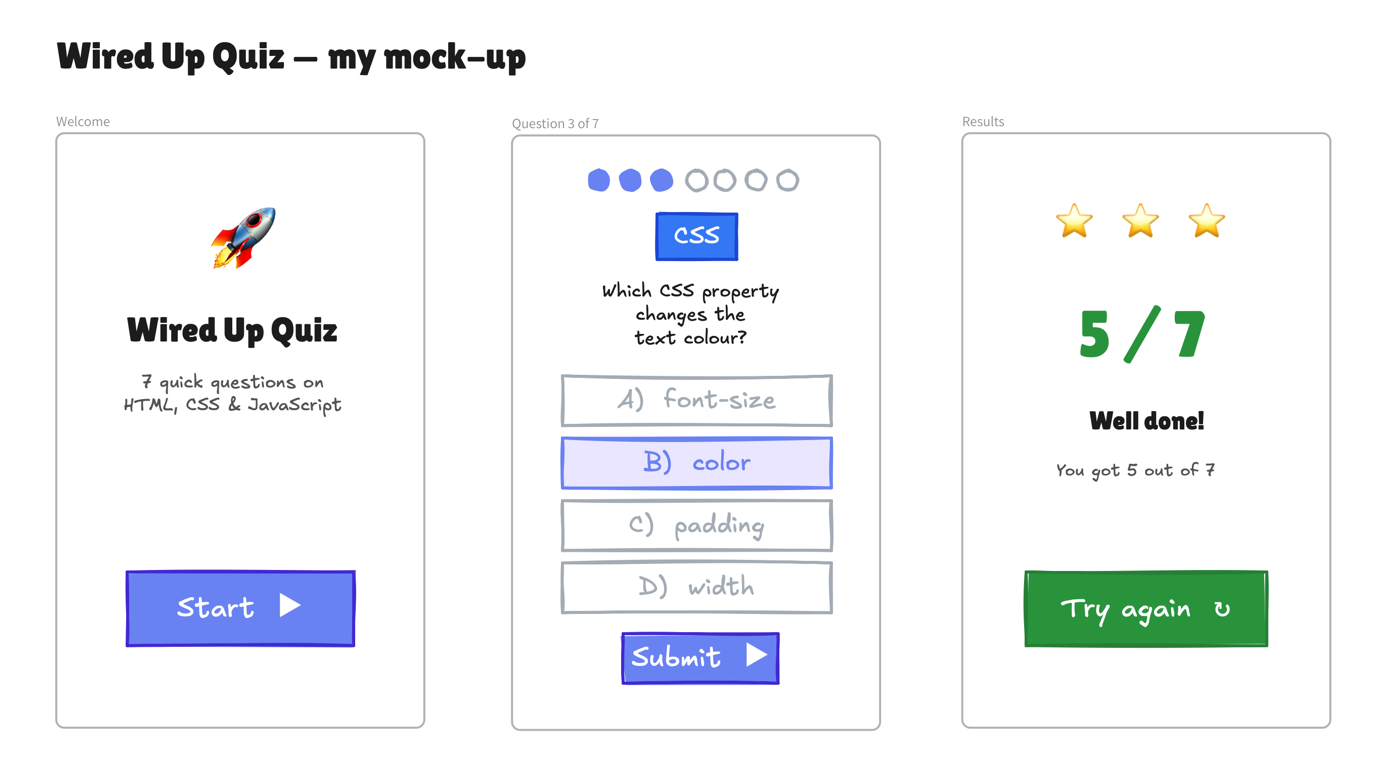
Before I wrote any code, I drew my three screens in Excalidraw so I knew exactly what I was building: a welcome screen, the question screen, and the results screen at the end.
2. Writing my questions
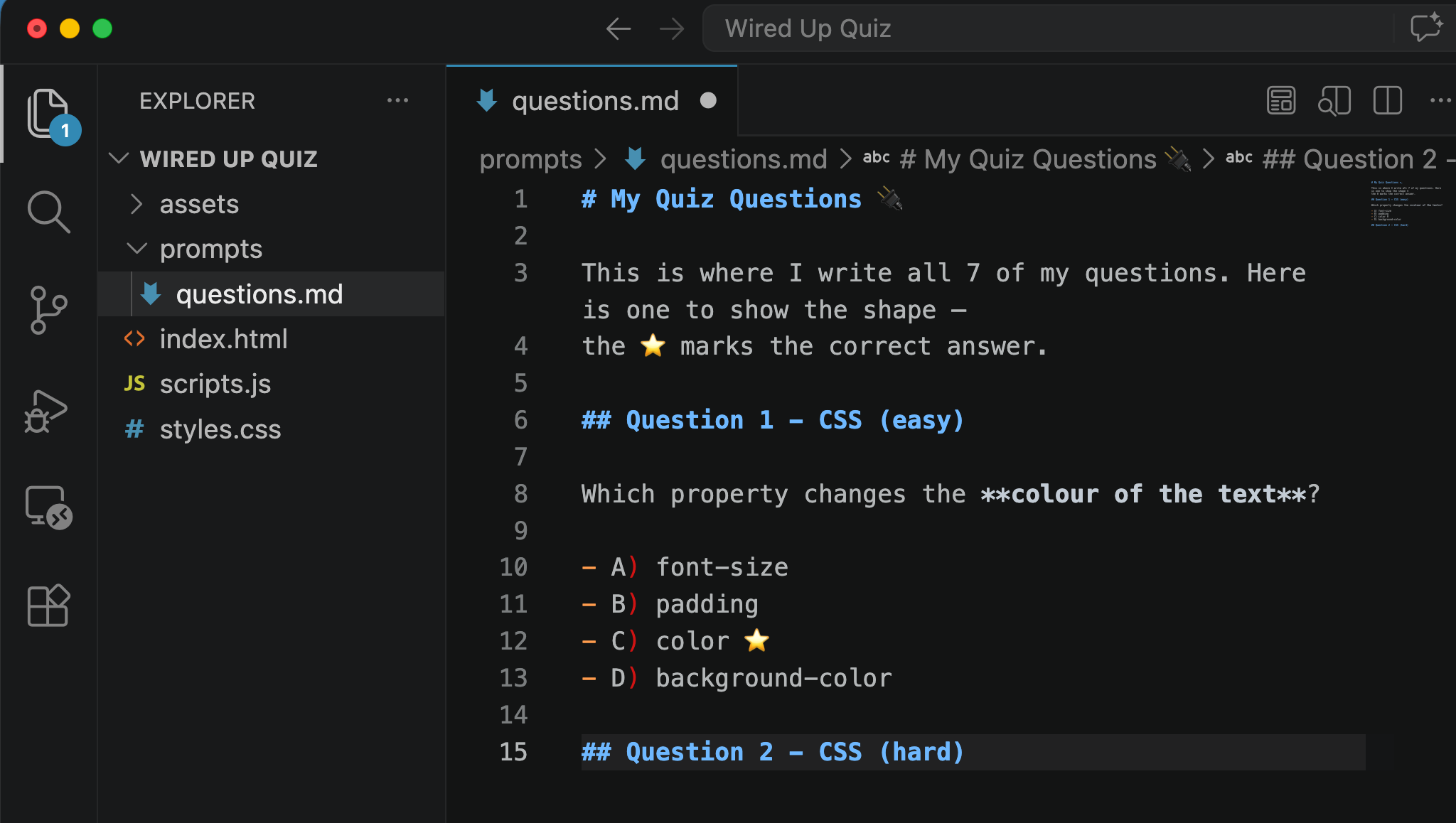
Then I wrote all seven questions in a markdown file, with the correct answer marked, so I would not forget them when it was time to build.
3. My first prompt
Next I wrote a prompt that told Copilot what to build, and dragged in my questions and my mock-up so it had everything it needed. Here is how it started:
Build me a quiz website using HTML, CSS and JavaScript.
It has a welcome screen, 7 questions, and a results
screen that shows the score...
(the rest is in my prompts/prompt.md)
4. Fixing things up
The first version mostly worked, but my score was stuck on 1, no matter how many questions I got right. I asked Copilot why:
let score = 0 inside the function, so it resets to 0
every click. Move it to the top, outside the function, so it remembers.
I moved that one line to the top of my file, and the score counted up properly. That was the trickiest bug, and it made the variables lesson finally click for me.
5. Done!
After that I tested every question, fixed a few spellings, and my Wired Up Quiz was finished. Planning it first made the whole build so much faster.
← Back to the quiz